
Networks & infrastructure
Wi-Fi & wireless networks
Strong Wi-Fi in every room, and wireless links where cable can't go.
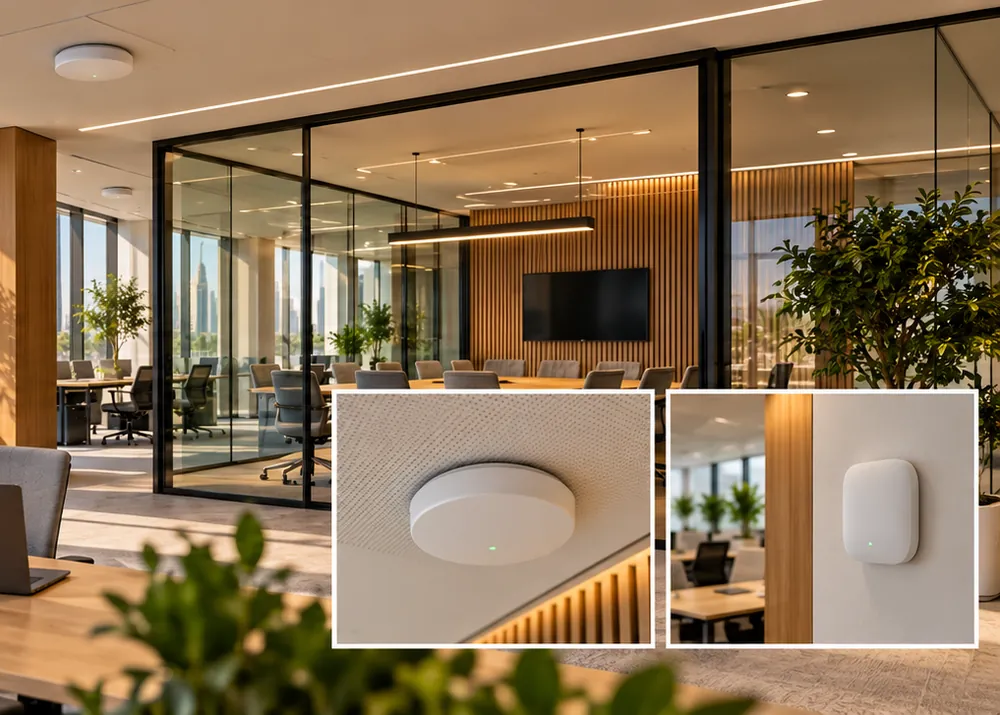
Whole-villa Wi-Fi and business access points, point-to-point wireless links between buildings, and wireless connections for cameras at gates and outbuildings that can't be cabled.
Homes and businesses
What you get
What this system does for you
Coverage that's planned
We check where the signal dies — thick walls, upper floors, the garden — and place access points to cover it, instead of adding extenders until it half-works.
Links between buildings
Point-to-point radio links reach a guard house, a majlis, a warehouse across the yard or a distant gate camera without digging a trench.
Networks kept apart
Guests, staff, cameras and smart devices each on their own network, so a visitor's phone can never reach your recorder.
Built for the cameras on it
PoE switches power cameras and access points over the data cable, with enough capacity for everything recording at once.
For homes
A villa usually needs several access points to cover every floor and the garden properly — we place them once, wired back where possible, so the signal is solid everywhere.
Security for homes →For businesses
Offices, shops and warehouses get business-grade access points, a guest network kept away from company systems, and wireless links to outbuildings.
Security for businesses →
Wi-Fi & wireless
Strong Wi-Fi in every room, and wireless links where cable can't go.
What we install
Equipment and options
- Wi-Fi access points
- Mesh systems
- Outdoor Wi-Fi
- Point-to-point bridges
- PoE network switches
- Firewalls & routers
- Network segmentation
We recommend equipment on the survey, for your property and budget - and explain the trade-offs, so the choice is yours.
How it works
From survey to handover
- 01
Survey
We visit, walk the property with you and note every entrance, blind spot and cable route. Consultations are free.
- 02
Design & quote
You get a clear design and a written quotation — what we'll install, where, and why. Nothing starts until you approve it.
- 03
Install & commission
SIRA-licensed technicians install, test and commission the system, then show you how to use it and hand over every password.
- 04
Maintain
Warranty support after handover, and an AMC if you want scheduled visits to keep everything working.
Questions
Wi-Fi & wireless — what people ask us
Something else? Ask us directly or try the assistant in the corner.
One router can't push through several concrete floors and walls. The fix is access points placed where you use the internet, connected back by cable or a proper mesh — not a stronger router.
Where we install it
Often installed alongside
See what it would look like at your property.
A free consultation visit, then a written design and quotation.